A name you recognize.
Save a friendly server name and its Tailscale hostname. The app uses your phone’s existing connection, without joining a network for you.
 herdr
herdr
YOUR AGENTS. ROOM TO ROAM.
Step away from your desk.
Stay close to the work.
Reach your server over your phone’s Tailscale connection. Open Herdr in a touch-friendly SSH terminal, wherever your work takes you.
Get Herdr Personal for AndroidSSH development preview · End-to-end testing pending
Let the agents work.
Come back when it matters.
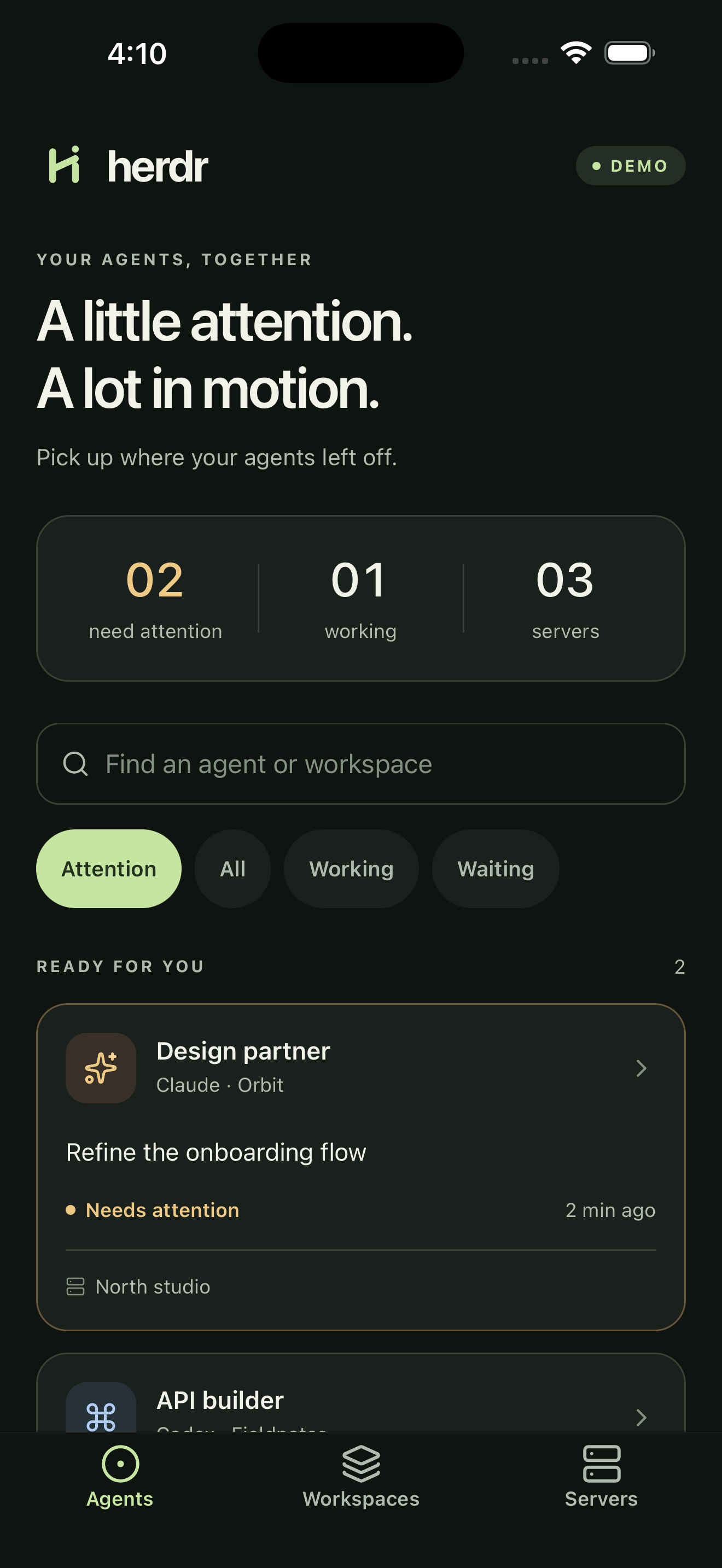
YOUR PHONE. YOUR SERVERS.
This preview focuses on direct SSH. The agent overview shown above is demo data; a live native overview across servers is still future work.
Save a friendly server name and its Tailscale hostname. The app uses your phone’s existing connection, without joining a network for you.
Compare and explicitly trust the server’s SSH host key before signing in. A changed key blocks the connection.
Run Herdr inside the SSH terminal, with a text composer and dedicated Enter, Escape, Tab and arrow controls. Physical-device testing is still pending.
EARLY DAYS. REAL PROGRESS.
Install Herdr Personal directly on Android. The APK’s signature and native configuration are verified; that is not yet proof of a successful phone-to-Herdr connection.
The iOS app is in development; the preview above shows its demo mode. No TestFlight build is available here yet.
Android · SSH development preview
Checking APK availability…
The download is enabled only after its published release details and file availability have been checked.
Download Android APKFROM DOWNLOAD TO YOUR SERVER
Check the version and SHA-256 above. Allow installation from your browser if Android asks; you can turn that permission off afterwards. This installs separately from the old demo app.
In Herdr Personal → Servers, add the server’s Tailscale hostname, port 22 and your server username. Choose Tailscale SSH if enabled on the server, or SSH password for an ordinary password-enabled sshd. Private-key import is not supported yet.
Compare the displayed host-key fingerprint with a trusted source before accepting it. Connect, follow any approval instructions, then type herdr and tap Send text followed by Enter. No public SSH fallback or server-access permission is created by the app.
This page uses no analytics, cookies, or third-party scripts. Your hosting provider may retain standard request logs. Server credentials belong in the app, never on this page.
Herdr mobile is an independent companion by Social Technology Lab. It is not an official upstream Herdr app and is not affiliated with Anthropic or OpenAI.